
Zero-Touch Deployment
Devices enroll through Apple Business Manager and configure themselves on first boot, arriving ready to work without a technician touching them.
Zero-touch deployment, enforced encryption, patching, and endpoint protection across your Apple estate.
Give us a callMacs in a regulated business
Plenty of organizations run Macs as an unmanaged exception, on the assumption that they are inherently safer. They are not, and an unmanaged device in a regulated environment is a compliance gap regardless of the logo on the lid.
Business Apple support brings the Mac and iOS estate under the same standard as everything else. Zero-touch enrollment through Apple Business Manager, enforced FileVault encryption, managed patching, and endpoint protection with the same detection and response as Windows.
Support is delivered by engineers who work in macOS daily, so the answer is not to reimage the machine or tell the user to switch to Windows.
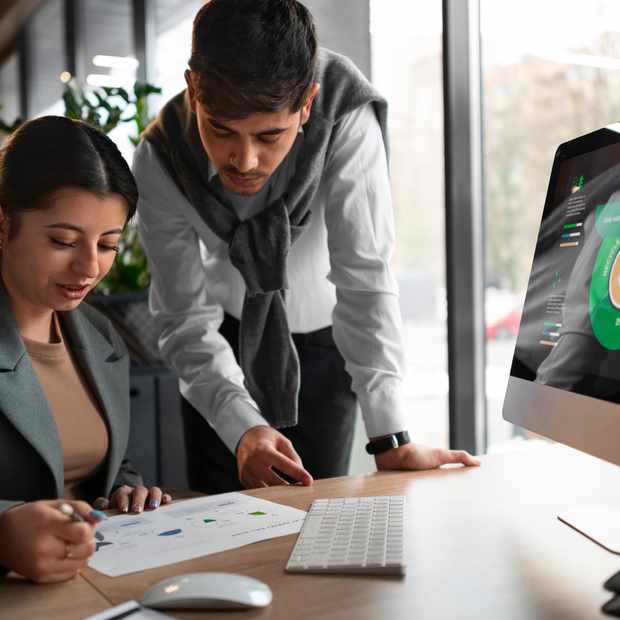
Devices enroll through Apple Business Manager and configure themselves on first boot, arriving ready to work without a technician touching them.

Configuration profiles, app deployment, and update policy managed centrally, so the fleet stays consistent instead of drifting into individual builds.

Support from engineers who use macOS professionally, covering Apple-native tooling as well as Microsoft 365 and cross-platform integration.

FileVault enforced, endpoint detection deployed, and compliance reported alongside the rest of your estate rather than as a separate exception.
Devices with no enrollment carry no enforced encryption, no patch policy, and no way to prove compliance to an auditor.
Generic helpdesks default to reimaging, which destroys user confidence and buries the actual fault.
Separate tooling per platform means controls apply inconsistently, and the gaps sit exactly where attackers look.
Manually configuring each Mac is slow and produces builds that are harder to support and secure than a managed baseline.
Process
Existing Macs and iOS devices are enrolled, and Apple Business Manager is configured so new purchases arrive under management.
Configuration profiles, encryption, and update policy applied from the same baseline that governs the rest of the estate.
Day-to-day support runs through the same helpdesk, with Mac-fluent engineers and no separate escalation path.

Why choose Triad for Apple support
Treating Macs as an exception is how compliance gaps form. It is also how creative and executive teams end up feeling like second-class citizens on the support queue.
We manage Apple devices to the same documented standard as Windows, from the same helpdesk, under the same policy set. Consistency is the point.
deployment via Apple Business Manager.
encryption enforced and reported across the fleet.
helpdesk covering Mac, Windows, iOS, and Android.
endpoint monitoring on every managed device.
Answers to the questions we get asked most
Yes. Enrollment, policy, patching, encryption, and endpoint protection all apply, managed alongside the rest of your estate rather than as an exception.
That is the normal case. Mac, Windows, iOS, and Android sit under one policy set and one helpdesk.
We set it up and run it, so new devices enroll automatically and arrive configured rather than needing a technician to touch each one.