
7 Ways Automation Cuts IT Support Delays for Your Team
Last Updated: October 29, 2026
Quick Summary
IT support automation shortens the waiting between each stage of a support ticket, from intake and routing to updates and closure, so employees lose less time to delays. It works only when the routing, priority and closure rules match how the business actually runs today, since poorly designed rules can bury urgent issues.
- Slow support quietly costs money through idle employees, growing small problems, and staff working around issues.
- Each handoff between ticket stages is a place where a request can stall, not just the final fix.
- Priority rules often fail, letting a routine locked account outrank a failed server backup.
- Automating everything at once can close tickets too early and frustrate employees, so rules need testing first.
- Installed monitoring tools are not enough unless someone owns the alerts and reviews them regularly.
Table of Contents
- Why Slow IT Support Quietly Costs Your Business Money
- How Help Desk Automation Changes the Ticket Lifecycle
- Automated IT Ticketing: What Gets Routed, Prioritized, and Tracked
- IT Support Workflow Automation and Where Repetitive Work Disappears
- Automated Incident Management and Faster Detection of Outages
- The Risks of Automating Support Without Professional Oversight
- Scheduling a Professional Review of Your Support Automation
- Frequently Asked Questions
Most small businesses assume their IT support is working because tickets eventually get closed, and that assumption rarely gets tested until a slow response costs them real money with IT support automation. But the hours lost waiting for a password reset, a stalled printer, or a slow laptop add up quietly. This article explains how automation changes IT support efficiency and what business owners should evaluate before trusting it.
Why Slow IT Support Quietly Costs Your Business Money
A support delay looks small when you measure it one ticket at a time. Multiply it across every employee, every day, and the lost productivity becomes significant.
Slow support creates costs that most owners never track:
- Employees sit idle while they wait for a fix
- Small problems grow into larger outages
- Staff work around issues instead of reporting them
- Managers spend time chasing updates instead of running the business
Could this be happening in your office? If a single support request can sit unanswered for hours, your team is paying for that gap every day.
How Help Desk Automation Changes the Ticket Lifecycle
Most owners picture a support ticket as a single event: something breaks, someone fixes it, the ticket closes. In practice a ticket passes through several stages, and every stage carries a hidden wait. IT support automation changes the shape of that journey, but only when each stage is designed around how the business actually operates.
A typical support request moves through intake, classification, assignment, diagnosis, resolution, and closure. In a manual help desk, each handoff is a place where a request can stall. An employee submits a vague description, a technician asks for clarification, the request sits in a shared inbox, and the clock keeps running. None of these delays look dramatic on their own.
Automation compresses the waiting between stages rather than replacing the people who do the work. Intake can capture structured details up front so technicians spend less time on back and forth. Classification can tag a request by category and affected system. Assignment can route it to the team with the right skills. Status updates can keep the requester informed without a technician stopping to write an email.
The trade off is that every automated stage depends on rules someone had to define. A routing rule built for last year's org chart will send requests to the wrong team after a reorganization. A classification scheme that treats every login problem the same will bury a locked account behind a wave of routine password resets.
A second pattern worth watching is what happens to the human side of support. Employees who feel their request disappeared into a system stop reporting small issues and start working around them. Workarounds are expensive because they hide the real problem until it grows into an outage. Automation should make the employee feel more informed, not less. Status messages, clear ownership, and realistic response targets all matter here.
Automation often delivers its fastest visible improvement at the ticket lifecycle stage, and poorly configured automation can do quiet damage there as well. If your team cannot describe what happens to a request in the first ten minutes after it is submitted, that is a signal worth acting on.
Automated IT Ticketing: What Gets Routed, Prioritized, and Tracked
Automated ticketing decides what happens to a request the moment it arrives. Key decisions include:
- Routing: which technician or team receives the request
- Priority: whether an issue affects one user or the whole office
- Tracking: whether anyone is monitoring open requests against response targets
The priority decision is where many setups fail. A locked account for one employee and a failed server backup may both arrive as "urgent" tickets, yet only one threatens daily operations. Without careful setup, the urgent issue can sit behind routine requests.
Triad Cyber Solutions helps clients review how their ticketing is organized, so the most serious issues reach the right people first. NIST guidance on incident handling and response priorities
IT Support Workflow Automation and Where Repetitive Work Disappears
Workflow automation removes repetitive tasks that eat technician time. Common examples include sending status updates, collecting basic details from users, and closing requests that stay idle.
When repetitive work disappears, skilled staff have more time for complex problems. Many owners discover that their technicians spend a large share of each day on tasks a well-designed workflow could handle.
A common mistake is automating everything at once. Automations that close tickets too early or send confusing messages can frustrate employees. Each rule should be tested against real support scenarios before it runs unsupervised. Refining these internal processes requires a thoughtful approach to custom automation workflows that prioritize user experience over sheer speed.
Here is how the typical repetitive support work described above breaks down.
| Repetitive task | What automation can handle | What still needs a technician |
|---|---|---|
| Status updates | Sending progress messages to users | Explaining complex fixes |
| Basic user details | Collecting information at intake | Diagnosing root causes |
| Idle requests | Closing tickets that stay inactive | Confirming the problem is truly resolved |
| Routine routing | Sending requests to the right queue | Handling unusual or multi-system issues |
Automated Incident Management and Faster Detection of Outages
An outage rarely announces itself to the people who can fix it first. It announces itself to the employees who cannot work. Automated incident management is the bridge between a system failure and the person who can respond, and the quality of that bridge determines how long the business stays down.
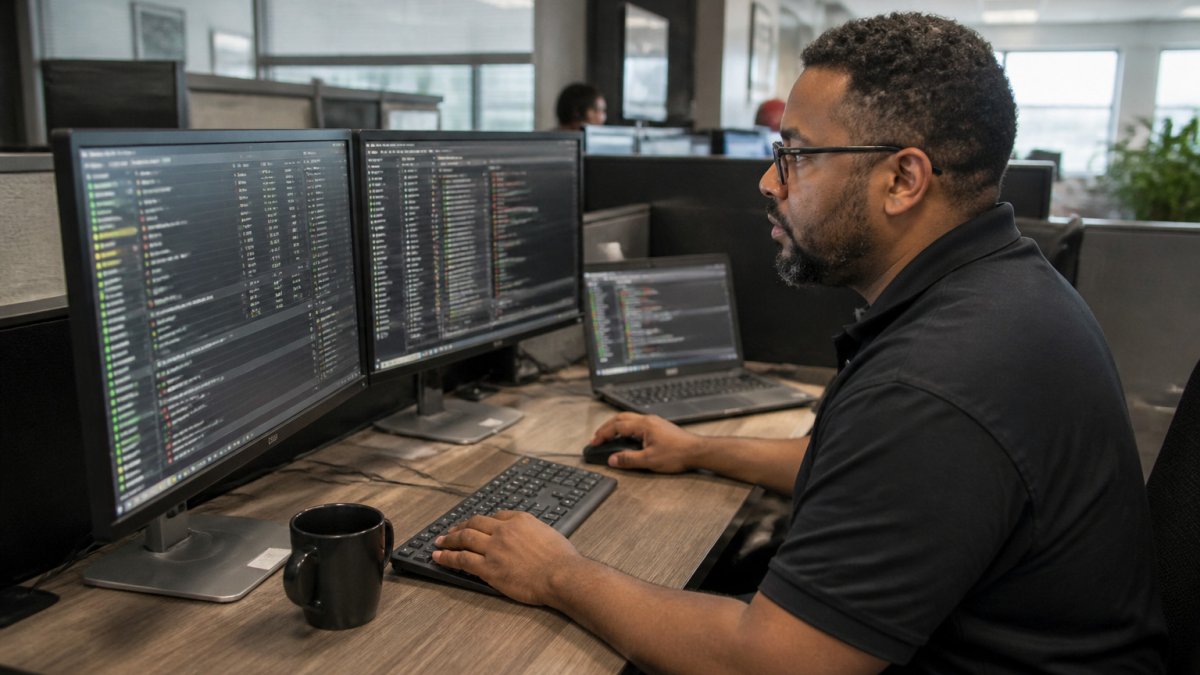
Consider what downtime actually costs. The visible cost is idle staff. The less visible costs include missed client deadlines, transactions that fail mid process, orders that cannot be processed, and the reputational damage that follows a public facing outage. For many businesses the largest cost is not the outage itself but the recovery time afterward, when teams are reconciling data, re entering work, and reassuring clients.
Automated incident management connects monitoring signals to a response path (Incident Response Recommendations and Considerations for Cybersecurity Risk Management). When a server stops responding, a network segment drops, or a critical cloud service degrades, alerts can reach the right people before the phone starts ringing. The value is not the alert itself.
This is where most setups quietly fall short. Alerts fire into a shared inbox that nobody owns. A flood of low priority notifications trains staff to ignore the channel. Monitoring covers on premises systems but not the cloud services the business now depends on. A hybrid environment where some workloads run in a data center and others in a public cloud often has two separate monitoring stacks that nobody has reconciled.
A pattern worth naming is the post incident review. Many businesses restore service and move on without asking why the outage happened, how long detection actually took, and whether the same failure will recur. A disciplined review after an incident, focused on root cause and on the gap between when the failure started and when someone acted, is one of the highest value habits an IT function can build.
Automation also changes the economics of response. Faster detection shortens the window between failure and recovery. Consistent alerting reduces the chance that a serious issue is missed because the one person who usually catches it was on vacation. Documented response paths mean a new technician can act without reinventing the process under pressure.
If you cannot say how long it took to detect your last outage, or who was responsible for responding, that gap is worth closing before the next one. A professional review of your incident detection and response can identify where coverage is thin, where alerts are ignored, and where a post incident process would turn repeated failures into one time lessons.
The Risks of Automating Support Without Professional Oversight
Automation can create risk when no one checks it. Ticket rules can drift as staff change, software updates alter how alerts behave, and new employees may never learn the workarounds.
Here are the gaps we see most often:
- Alerts sent to an inbox nobody monitors
- Priority rules that no longer match current business operations
- Security tools that are installed but not reviewed
- Documentation that does not reflect how the system actually runs
Having a tool in place does not mean it is configured, monitored, or effective. Many owners assume their setup is adequate until an outage exposes what was missed. Regular professional review helps close those gaps before they become expensive. CISA guidance on cybersecurity tool configuration and oversight
Scheduling a Professional Review of Your Support Automation
Automation should make your team faster, safer, and easier to manage. If you are unsure whether your current setup does that, a professional assessment is the logical next step.
A review typically examines how requests are routed, how incidents are detected, and whether your documentation matches reality. The goal is to identify gaps and reduce risk, not to hand you a checklist to fix things yourself.
Triad Cyber Solutions offers managed IT services and IT helpdesk support that can support this work. If your team keeps waiting on support, schedule a conversation with Triad Cyber Solutions to see where automation could help and where it could quietly fall short.
Frequently Asked Questions
How does automation improve IT support efficiency?
Automation handles repeatable work such as ticket intake, categorization, routing, and status updates, so technicians spend more time on problems that require judgment. It also shortens the gap between a problem appearing and someone acting on it, because alerts and tickets are generated without waiting for an employee to notice and report the issue. The result is usually fewer tickets sitting unassigned and fewer repeat requests from users who never heard back. The efficiency gain depends on how well the automation is configured and reviewed, which is why an outside assessment often matters as much as the tool itself.
What IT support tasks can be automated?
Common candidates include ticket creation from email or a support portal, automatic categorization by issue type, priority assignment based on the affected user or system, routing to the right technician, and sending status updates to the requester. Monitoring alerts can also open tickets automatically when a server, device, or service behaves outside normal parameters. Tasks that involve judgment, such as diagnosing an unusual application conflict or deciding whether a security alert is a real threat, still need a person. Knowing which tasks belong in each category is a decision best made with an experienced provider who understands your environment.
What are the risks of automating IT support?
Automation can route tickets incorrectly, suppress alerts that should have reached a technician, or create a false sense that every issue is being handled. Rules that were set up once and never reviewed can drift out of step with how your business actually operates. Security-related automation carries its own risk if alerts are ignored because they arrive too often. These gaps rarely appear on a dashboard, which is why periodic professional review matters. Having automation in place does not mean it is configured, documented, or monitored effectively.
When should an IT support issue be escalated to a person?
Escalation to a person makes sense when an issue affects multiple users, involves possible data exposure, touches regulated information, or does not match any known pattern. Automated systems are good at recognizing routine problems but may misclassify unusual ones. For organizations subject to compliance requirements, incidents involving protected data should reach a qualified technician quickly, regardless of what the automated workflow would normally do. Defining these escalation points is a planning decision that a professional can help you document.